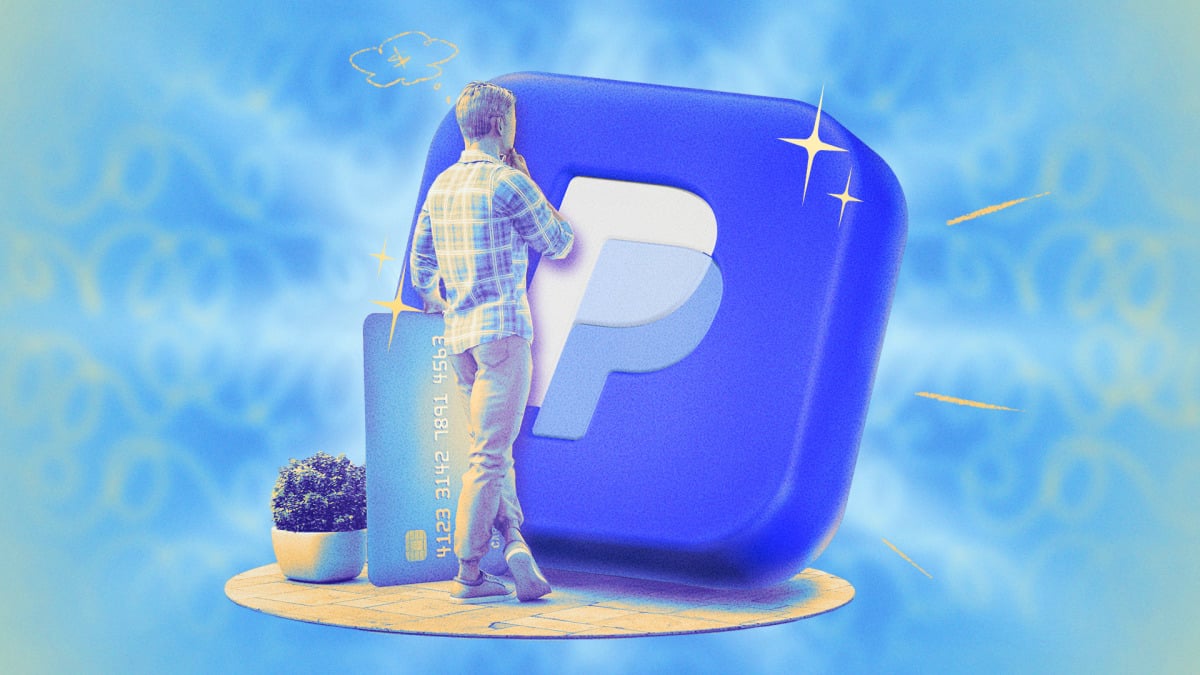

PayPal is a payment platform with a wide range of uses, from peer-to-peer sharing to centralized checkouts with merchants across the web. You can also use PayPal for other financial purposes, such as receiving direct deposits, building up your savings, and earning rewards. Here are 10 tips and tricks to get the most out of money management on PayPal.
Add PayPal Offers to Double Dip on Credit Card Rewards
If you use a rewards credit card as your preferred payment method on PayPal, you’re already getting points, miles, or cash back on your purchases. PayPal also has rewards, so you can add offers to your account and get additional money back when you check out through PayPal. You’ll find these on your Offers page — all you need to do is tap the plus sign to add them to your wallet.
Remove Merchant Billing Tokens to Stop Ongoing Charges
If you’ve set up a recurring or automatic payment with PayPal as your preferred payment method, you can view which merchants are connected to your PayPal account and cancel those payments from your settings. This prevents unwanted charges and allows you to cancel subscriptions you forgot about. You can see which merchants have access to autopay under Settings > Payments > Subscriptions and saved businesses or Automatic payments. (Note that merchants listed as active aren’t necessarily charging you on a recurring basis.) Select the merchant and tap Stop paying with PayPal. This feature also makes PayPal a good choice when signing up for free trials that you might forget to cancel.
Cross-Reference Your Activity Feed to Identify Phishing Emails
PayPal is a common target for phishing scams. PayPal impersonators frequently target users with fraudulent purchase notifications in an attempt to steal personal information or spread malware. In many cases, these emails come from legitimate PayPal addresses, making them harder to spot as fake. If you receive a purchase receipt that seems suspect, you can simply log into your PayPal account and check your Recent activity feed, which shows all of your transactions run through PayPal. If you don’t see the purchase listed there, you’ll know it’s a scam, and you can delete the email and move on.
Set a Credit Card as Your Default Payment Method to Protect Your Bank Account
When you set up PayPal, you can link a bank account and/or a credit or debit card as payment methods. If you add a bank account, make sure you also add a credit card and set it as the preferred way to pay. This not only protects your bank account from accidental withdrawals and overdrafts — it also ensures you get the benefits of your credit card, including purchase protections and rewards. Go to your Wallet, select the card you want to use as the default, and click Set as preferred. Note that if you have recurring payments set up with individual merchants, you will need to select those preferred payment methods separately under your Automatic payments settings.
Make Your Account Visible to Venmo for Cross-Platform Payments
There are a handful of popular peer-to-peer payment platforms, including Venmo and Cash App, so there may be situations in which you need to send or accept funds to or from someone who doesn’t have PayPal. If they use Venmo, this is no big deal, as Venmo and PayPal are compatible with one another if users have made their accounts searchable across the two platforms. To make yourself visible to Venmo users, go to Settings > Data & Privacy > Search Privacy and toggle People on Venmo on. This allows them to find you via your phone number. You can also search users’ phone numbers on PayPal to locate their Venmo accounts, if they’ve enabled this on their end.
Turn Off Profile Discovery to Keep Your Information Private
On the flip side, you may want to keep your PayPal profile private and prevent anyone from searching you on the service in order to send or request funds. You can disable profile discovery, which keeps people from finding you via your name, username, email, or phone number. Under Settings > Data & Privacy > Search Privacy, toggle off Personal profile info.